Corrective Measures SoftwareCorrective MeasuresSoftware

Aircraft paperwork, done on the ramp.

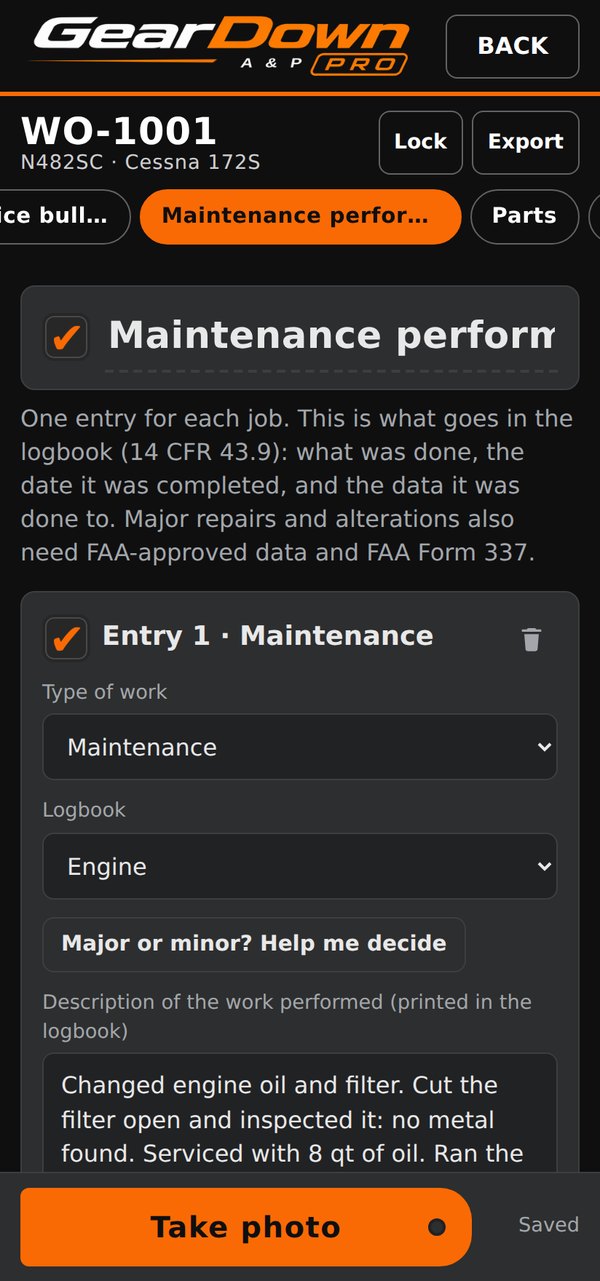
Corrective Measures Software builds GearDown: two Android apps for the people who work on aircraft. Detailer PRO runs a detailing business. A&P PRO keeps Part 43 maintenance records. Both work without a signal.

Tap a phone to try the app in the live demo.

Precision on the Ramp. Proof in the Records.

Our mission

We build software for the people who work on aircraft. GearDown puts the whole job on your phone, from the quote to the signed record, so the paperwork gets done on the ramp instead of at a desk afterward. It works without a signal, records every product and photo as you go, and produces signed records you can stand behind when a customer, an insurer or an inspector asks.

Works without a signal

Look up a tail number, map the aircraft, photograph each area and build the work order anywhere: on a remote ramp or deep in a hangar. Online features catch up when you have a signal.

Records that hold up

Every product is logged with its approval spec and lot number, sign-offs are locked once signed, and maintenance entries follow 14 CFR Part 43, so the record answers questions before they’re asked.

No more clipboards

Logbook entries print on labels straight from the phone, parts are tracked to the job, and customers approve and sign on their own phone.

Two apps, one way of working

Same design, same backbone. Each one speaks the language of its trade.

GearDown Detailer PRO

For aircraft detailers and their crews

  • Quotes and work orders customers sign on their phone
  • Safety checklists, photos and every product logged
  • A chemical conformance record for the pilot in command
  • A live board showing which crew member is on which area
GearDown A&P PRO

For A&P mechanics and IAs

  • Part 43 maintenance entries, parts and AD compliance
  • Return to service checked against the signer’s certificate
  • Logbook entries printed on pages or labels
  • Annuals and recurring ADs coming due, per tail number

Type the tail number. The FAA registry fills in the rest.

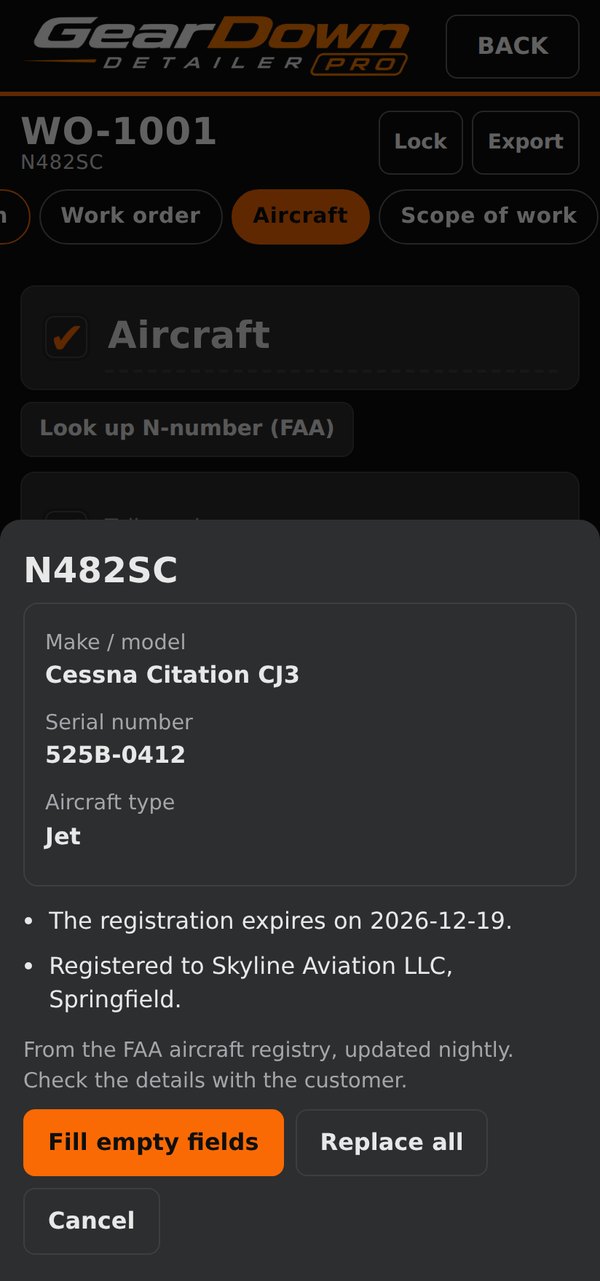
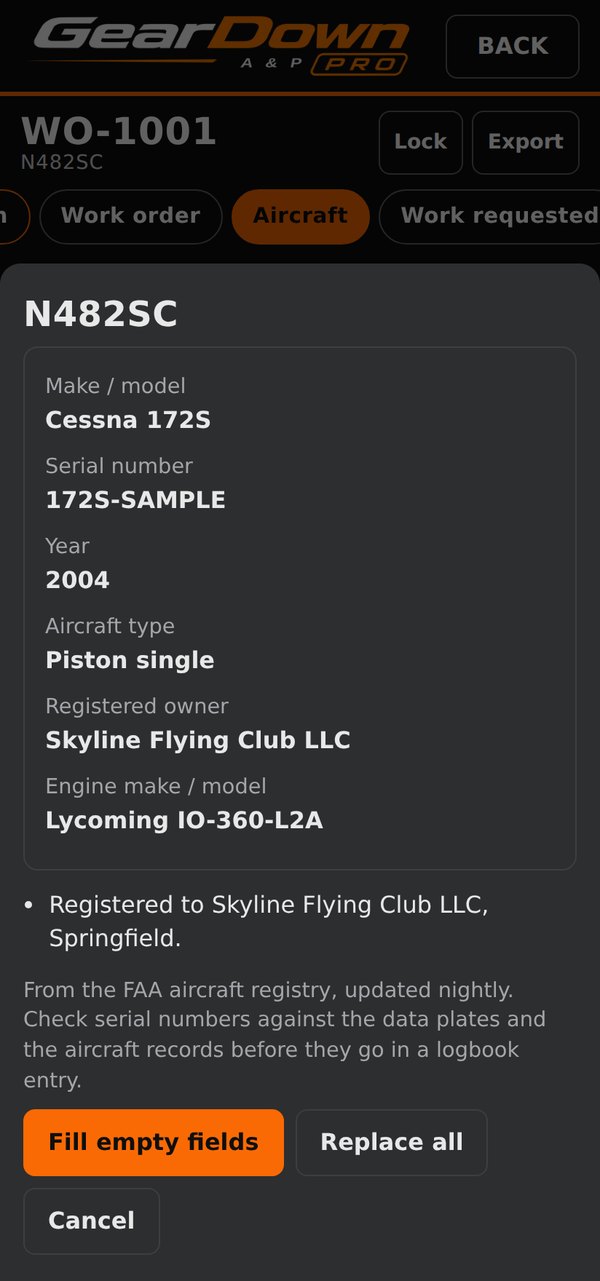
On any quote or work order, tap Look up N-number (FAA). The app shows the registry record and fills the empty fields with one tap.

  • Detailer PRO fills make and model, serial number and aircraft type, and shows the usual exterior surface range for that class of aircraft.
  • A&P PRO also fills the year, registered owner and engine.
  • Both flag a registration that has expired, expires within 90 days, or isn’t shown as valid.

From the FAA aircraft registry, updated nightly. Lookups need a signal. Screens show a sample record.

Detailer PRO lookup result with a registration that expires soon
Detailer PROA registration that expires soon is flagged.
A&P PRO lookup result with year, registered owner and engine
A&P PROYear, owner and engine for the logbook.

From quote to paid, without chasing anyone

Every quote and work order moves through the same stages, and the app shows each one the moment it happens.

  1. 1 · Quote

    Send the quote

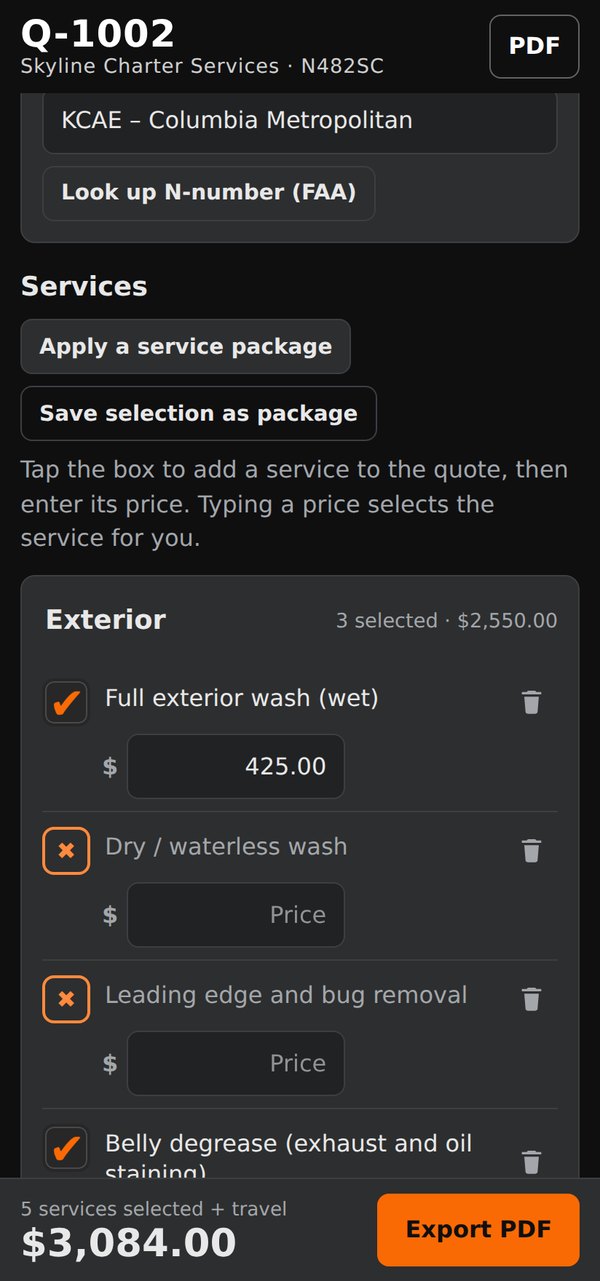
    Price the job and share a signing link by text or email, or a PDF with a Sign button.

    You see: Sent
  2. 2 · Approval

    Approved on their phone

    The customer reviews it and signs on a page with your logo and colors. Nothing to install.

    You see: Approved, with a notification
  3. 3 · Work

    Do the work

    Roll the approved quote into a work order. Photos, checklists, products or parts, and the crew board, in one place.

    You see: Active
  4. 4 · Sign-off

    Signed off

    The work order goes back for the customer’s signature, then locks so the record can’t quietly change.

    You see: Signed
  5. 5 · Paid

    Paid on the spot

    The customer pays right after signing, by card or bank transfer, through your own Stripe account.

    You see: Paid, marked automatically

Know where every job stands

No whiteboard, no guessing. Open the app and every quote and work order is already sorted by where it is.

  • Work orders sort themselves into Scheduled, Active, Awaiting payment and Complete.
  • Quotes do too: Incomplete, Sent, Approved, and Rolled to work order.
  • A timeline on every job shows the stage it’s at: work order, signed, paid, complete.
  • A notification the moment a customer signs, and the signed copy is already in the app.
  • The office sees the crew live on the job board, even while the crew works without a signal.
✓ Q-2049 approved by James Ortiz
Work orders
Active 2
WO-1042N321GD
Exterior wash & ceramic coat
WO-1041N88TM
Interior detail & leather
Awaiting payment 1
WO-1039N452SR
Full detail · $3,840
Complete 12
WO-1037N7GD
Brightwork polish · paid
Quotes
Approved 1
Q-2049Signed
N321GD · ready to roll to a work order
Sent 1
Q-2051sent 2 h ago
N905AG · waiting on the customer
Timeline: work order · signed · paid · complete
Ridgeline Aero DetailQuote Q-2049 · N321GD
Exterior wash & dry$680
Ceramic coating, 2-year$2,400
Brightwork polish$420
Total$3,500
Signed on the customer’s phone
Approve and sign
Pay $3,500 now · card or bank transfer

What your customer sees

A clean signing page with your name, logo and colors. It works on any phone or computer, with nothing to download.

  • Only the customer named on it can approve it. If someone else signs, the app warns you.
  • The signed copy comes back on its own, with who signed and when, and you’re notified.
  • They can pay right after signing, by card or bank transfer, through your own Stripe account. GearDown takes no fee.
  • Quotes and work orders alike: approval before the work, sign-off after it.

Built for the field

What both apps share underneath.

Works without a signal

Jobs live on the phone. Crew updates wait and send when you’re back in range.

Online signing

Customers sign on a page with your logo and colors. The signed copy comes back into the app.

FAA N-number lookup

Fills the aircraft from the registry and flags expired registrations.

PIN and app lock

Finished work orders stay locked, and the app can ask for your fingerprint or face.

One-file backups

Customers, jobs, quotes, schedule and photos in one zip that restores on any phone.

Your brand on every page

Your name, logo and colors on quotes, work orders, PDFs and the signing page.

Calendar and widget

Scheduled jobs, follow-ups and a home-screen calendar of open work orders.

Run both on one phone

One account covers both apps. Each keeps its own jobs, board and signed copies.

One price. Every feature. Built for the ramp.

GearDown apps are made by Corrective Measures Software, a sister company to Corrective Measures, a working aviation detailing business. Our detailing crew uses GearDown on real jobs every day, and many of its features began as needs on our own ramp.

GearDown Detailer PRO is $75 a month. GearDown A&P PRO is $90 a month. Get both for $150 a month. Each subscription includes every feature in that app and covers you, the owner. Add your team for $25 a month per person, whichever apps they use, with up to 2 phones each. The free trial includes up to 3 people, so your crew can try it with you.

GearDown fits the way you already work. Attach your quotes and work orders to your QuickBooks invoices, or connect your own Stripe account so customers can pay as soon as they sign. We don’t add application or integration fees to card payments. Your pricing and processing fees are between you, your customer, and your payment processor.

No signal? No spinning wheel. Everything runs from your phone.

Thank you for choosing GearDown. We look forward to working for you.

Want to see it on your own jobs?